
AWS IAM Identity Center YubiKey Authentication
AWS IAM Identity Center Yubikey simplifies user access management by providing single sign-on (SSO) to multiple AWS accounts and business applications from one central location. With support for WebAuthn, organizations can strengthen authentication using phishing-resistant FIDO security keys such as the YubiKey, enabling secure and convenient access through supported browsers.

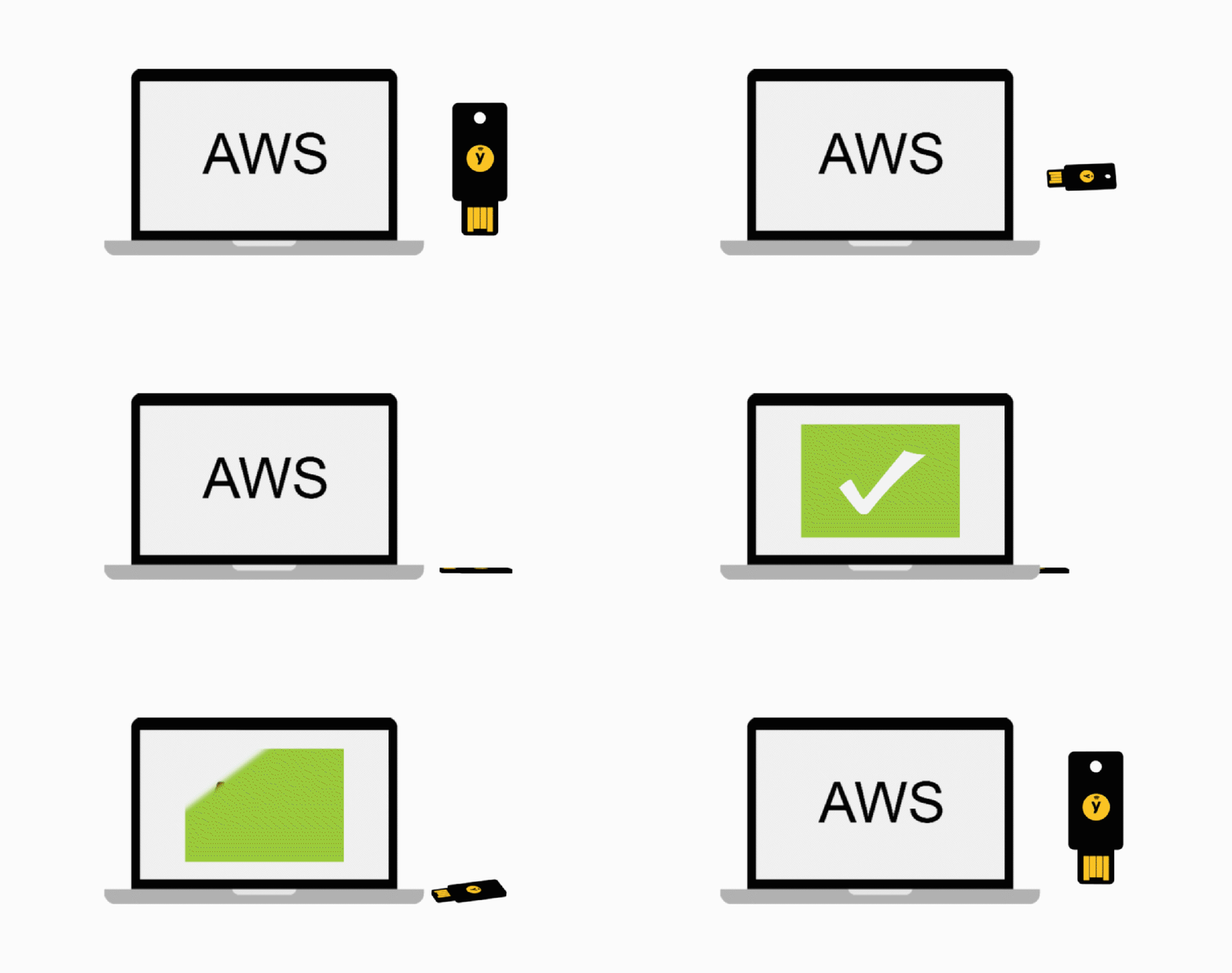
AWS IAM Identity Center YubiKey Authentication
AWS IAM Identity Center simplifies employee access management by allowing organizations to centrally assign and manage access to multiple AWS accounts, SAML-enabled cloud applications such as Salesforce, Microsoft 365, and Box, and custom-built business applications.
By default, users sign in to the AWS access portal using their email address and password. With WebAuthn integration, organizations can strengthen account security by enabling multi-factor authentication (MFA) using FIDO2-compatible security keys, such as the YubiKey, and built-in biometric authenticators, including Apple Touch ID and Windows Hello facial recognition. These phishing-resistant authentication methods help protect employee identities and provide secure, convenient access to AWS resources and business applications.
Compatible YubiKeys for AWS IAM Identity Center
AWS IAM Identity Center supports WebAuthn authentication with compatible FIDO security keys, including the YubiKey 5 Series. These hardware security keys provide phishing-resistant multi-factor authentication (MFA) and support secure access to AWS accounts and business applications.
YubiKey 5 Series
The YubiKey 5 Series offers multiple connectivity options, including USB-A, USB-C, NFC, and Lightning, helping organizations choose the right authentication device for their computers and mobile devices.
| YubiKey Model | Connectivity |
|---|---|
| YubiKey 5 NFC | USB-A + NFC wireless |
| YubiKey 5 Nano | USB-A (leave-in design) |
| YubiKey 5C | USB-C |
| YubiKey 5C NFC | USB-C + NFC wireless |
| YubiKey 5C Nano | USB-C (leave-in design) |
| YubiKey 5Ci | Lightning + USB-C |
These YubiKey models provide convenient hardware-based authentication for supported WebAuthn sign-in workflows. Organizations can select a model based on device compatibility, connectivity requirements, and deployment needs.
Explore: Shop the YubiKey 5 Series
YubiKey Bio Series – Biometric Authentication for AWS IAM Identity Center
The YubiKey Bio Series combines fingerprint-based user verification with FIDO security to provide convenient, phishing-resistant authentication. Designed for passwordless sign-in and multi-factor authentication (MFA), these biometric security keys support WebAuthn and FIDO2 authentication for compatible services, including AWS IAM Identity Center.
Compatible YubiKey Bio Models
| YubiKey Model | Connectivity | Authentication |
|---|---|---|
| YubiKey Bio – FIDO Edition | USB-A | Fingerprint sensor |
| YubiKey C Bio – FIDO Edition | USB-C | Fingerprint sensor |
The built-in fingerprint sensor verifies the user’s identity directly on the security key, adding biometric protection to supported authentication workflows. Organizations can choose USB-A or USB-C models based on their device compatibility and deployment requirements.
Explore: Shop the YubiKey Bio Series
YubiKey FIPS Series
The YubiKey FIPS Series is a multiprotocol range of hardware security keys designed for organizations requiring strong authentication and compliance with security standards. These devices offer FIPS 140-2 validation at Levels 1 and 2 and support high-assurance authentication requirements, including AAL3.
Compatible YubiKey FIPS Models
| YubiKey Model | Connectivity |
|---|---|
| YubiKey 5 NFC FIPS | USB-A + NFC wireless |
| YubiKey 5 Nano FIPS | Leave-in USB-A |
| YubiKey 5C FIPS | USB-C |
| YubiKey 5C NFC FIPS | USB-C + NFC wireless |
| YubiKey 5C Nano FIPS | Leave-in USB-C |
| YubiKey 5Ci FIPS | Lightning + USB-C |
The YubiKey FIPS Series offers flexible connectivity options for secure authentication across supported computers, mobile devices, and business applications.
Explore: Shop the YubiKey FIPS Series
Security Key Series
The Yubico Security Key Series is an affordable, FIDO-only range of hardware security keys designed to provide secure, phishing-resistant authentication. Supporting FIDO2 and U2F standards, these security keys are suitable for organizations looking to strengthen login security and enable passwordless authentication across compatible services, including supported WebAuthn applications.
Compatible Security Key Models
| Security Key Model | Connectivity |
|---|---|
| Security Key C NFC | USB-C + NFC wireless |
| Security Key NFC | USB-A + NFC wireless |
The Security Key Series offers convenient USB and NFC connectivity for authentication across compatible computers, mobile devices, and business applications.
Explore: Shop the Security Key Series
AWS IAM Identity Center YubiKey Setup Instructions
Get started with phishing-resistant multi-factor authentication (MFA) by configuring your YubiKey with AWS IAM Identity Center. Follow the setup guidance to enable secure WebAuthn authentication and protect access to AWS accounts and business applications.
- AWS IAM Identity Center Setup: Read the setup instructions
- YubiKey Authenticator App: Explore Yubico Authenticator
- AWS IAM Identity Center Support: Visit AWS support and documentation
- Set Up Other Services: Use the YubiKey setup guide
- Check Compatibility: Search the Works with YubiKey catalog
AWS IAM Identity Center YubiKey – Technical Specifications
Compatibility
| Category | Supported Standards / Platforms |
|---|---|
| Security Protocol Support | One-Time Password (TOTP), Universal 2nd Factor (U2F), FIDO2 / WebAuthn |
| Operating System Support | Classic Mac OS, Firefox OS, Linux, macOS, Microsoft Windows |
| Browser Support | Brave, Chromium, Google Chrome, Microsoft Edge, Mozilla Firefox, Safari |
System Requirements and Support
| Resource | Description | Link |
|---|---|---|
| Troubleshooting | Resolve authentication, MFA configuration, and sign-in issues | AWS Troubleshooting Guide |
| Setup Instructions | Configure multi-factor authentication for AWS IAM Identity Center | AWS MFA Setup Guide |