
PKI Tokens: PKI Authentication Hardware, USB PKI token, PKI Smart Card, Encryption, Digital Signatures
PKI Tokens
- ePASS 2003 FIPS 140-2 Level 2 USB-A CASING A1+
- ePASS 2003 FIPS 140-2 Level 3 USB-A CASING A2
- BePass 2003 Micro USB + Bluetooth
- StorePass 2003 32GB USB-A
- ePass3003
- Windows smart card logon
Hardware PKI Tokens
PKI Tokens Authentication, Encryption and Digital Signatures
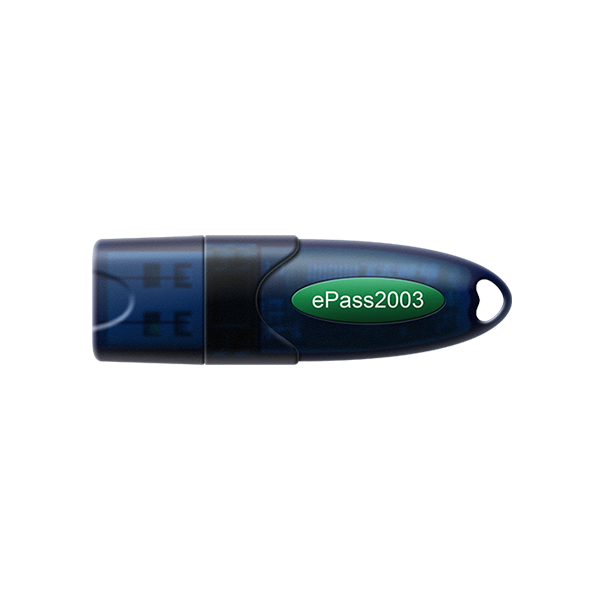
ePass2003 USB PKI Hrdware Token
- ePass2003 (A1+)
- Host Interface: USB-A
- Cryptographic Algorithms: RSA 2048 bit, ECDSA 192 bit, DES/3DES, AES 128 bit, SHA-256
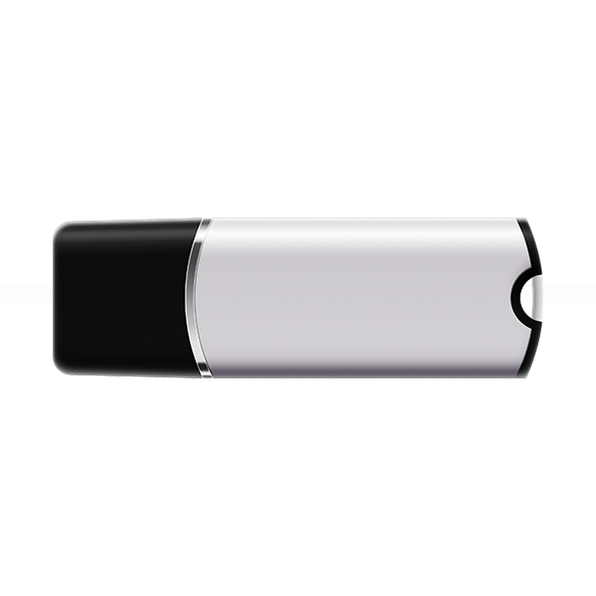
ePass2003 PKI Token
- ePass2003 (X8)
- Host Interface: USB-A
- Cryptographic Algorithms: RSA 2048 bit, ECDSA 192 bit, DES/3DES, AES 128 bit, SHA-256

StorePass2003 PKI Token
- StorePass2003 (X8)
- Flash Memory: 32G
- Host Interface: USB-A
- Cryptographic Algorithms: RSA 1024/2048/3072/4096, DES/3DES, AES up to 256 bit, SHA up to 512, ECC up to 521
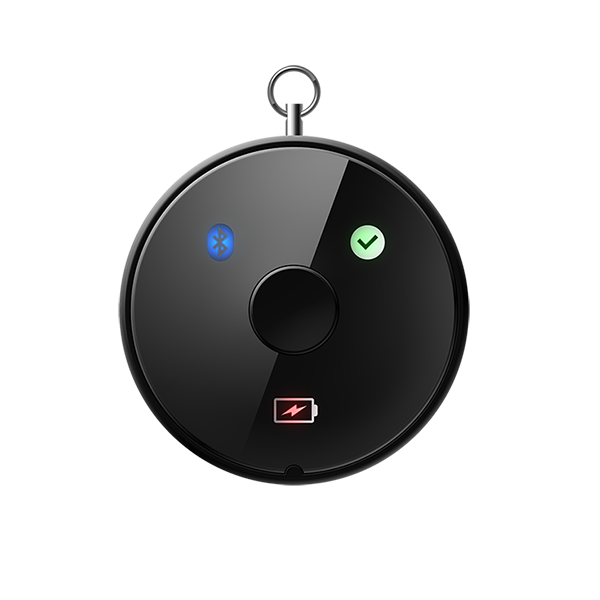
BePass2003 PKI Token
- BePass2003 (K17)
- Host Interface: USB-A & Bluetooth 4.0
- Cryptographic Algorithms: RSA 1024/RSA 2048 bit, DES/3DES, AES 128 bit, SHA-1 / SHA-256
Description
PKI Authentication Hardware Token | USB PKI Hardware Token | PKI Smart Card
PKI Authentication Hardware Token (Public Key Infrastructure Tokens) are secure hardware authentication devices designed to protect digital identities, private cryptographic keys, and digital certificates. These Hardware PKI Token enable strong authentication, encryption, and legally binding digital signatures while ensuring that private keys never leave the secure hardware environment.
Our enterprise-grade PKI token portfolio supports certificate-based authentication, two-factor authentication (2FA), and multi-factor authentication (MFA) for governments, enterprises, financial institutions, and regulated industries worldwide.
What Is a PKI Token?
A PKI token is a tamper-resistant hardware device—commonly a USB PKI token, Bluetooth PKI token, or PKI smart card—that securely stores private keys and X.509 digital certificates. All cryptographic operations such as signing, authentication, and encryption are performed internally on the secure chip, preventing key theft from malware or unauthorized access.
Unlike software certificates or passwords, hardware PKI token provide a much higher level of security and compliance with international standards such as FIPS 140-2, Common Criteria (CC), PKCS#11, and Microsoft Minidriver.
Key Functions & Benefits of PKI Tokens
🔐 Secure Key Storage
- Stores private keys inside certified secure hardware
- Private keys never leave the token
🔑 Strong Authentication (2FA / MFA)
- Requires physical token + PIN
- Ideal for zero-trust security architectures
✍ Digital Signatures
- Enables legally valid digital signatures
- Supports document signing, email signing, and e-government workflows
🔒 Encryption & Decryption
- Secures emails, files, disks, and communications
- Supports SSL/TLS, VPN, IPSec, and secure transactions
🛡 Protection Against Malware
- Cryptographic operations executed internally
- Immune to key-logging and credential theft
🌍 Versatile Global Use
- Secure login, VPN access, email security, banking, cloud access, and identity verification
How PKI Token Work
1. Certificate Issuance
A trusted Certificate Authority (CA) issues a digital certificate that binds a user’s identity to a public key. The certificate and private key are securely stored on the PKI token.
2. Authentication
During login or access, the token uses the private key to prove identity via cryptographic challenge-response, without exposing the key.
3. Secure Cryptographic Operations
Digital signing, encryption, and authentication are executed inside the secure chip, fully isolated from the host system.
Types of Hardware PKI Tokens
- USB PKI Tokens – Plug-and-play USB-A or Micro-USB devices
- BluetoothPKI Tokens – Wireless authentication for mobile and desktop platforms
- PKI Hardware Smart Cards – Require smart card readers for high-assurance environments
Certificate-Based PKI USB Authentication Tokens
Our certificate-based PKI USB authentication tokens enable organizations to deploy secure, scalable, and standards-compliant digital identity solutions. They integrate seamlessly with existing PKI infrastructures, Active Directory environments, VPNs, cloud services, and secure email systems.
Use Cases & Applications
- Government & e-Governance portals
- Banking & financial services authentication
- Digital signatures for documents & contracts
- Secure VPN and remote workforce access
- Email encryption (S/MIME)
- Cloud & enterprise login security
- Data encryption & IP protection
Why Choose Our Hardware PKI Tokens?
- International certifications (FIPS, CC, CE, FCC, RoHS)
- Trusted by governments and enterprises worldwide
- Cross-platform support (Windows, Linux, macOS, Android, iOS)
- Long lifecycle, high durability, and strong cryptographic assurance
- Fully compatible with global PKI ecosystems
What Is a PKI Token?
PKI Authentication Hardware Token are crucial for secure authentication, digital signatures, and data encryption. As the demand for secure access solutions increases, it’s essential to optimize your content around relevant keywords to enhance visibility and attract your target audience.
What are PKI Tokens?
A PKI token is a tamper-resistant hardware device—commonly a USB PKI Hardware token, Bluetooth based PKI token, or PKI smart hardware card—that securely stores private keys and X.509 digital certificates. All cryptographic operations such as signing, authentication, and encryption are performed internally on the secure chip, preventing key theft from malware or unauthorized access.
Unlike software certificates or passwords, hardware PKI tokens provide a much higher level of security and compliance with international standards such as FIPS 140-2, Common Criteria (CC), PKCS#11, and Microsoft Minidriver.
How to buy PKI Tokens
Looking for bulk pricing, enterprise deployment, or OEM customization for PKI Authentication Hardware Tokens?
- 📧 Email: contact@aftindia.in
- 📞 Call: +91 9673843073
Other Products & Solutions
✅ FIDO Security Keys
FIDO security keys for passwordless login
✅ OTP Hardware Tokens
OTP hardware token authentication
✅ Software Protection Dongles
software protection dongles for licensing
Buy PKI Tokens
PKI tokens are hardware devices that securely store digital certificates and private keys, enabling secure encryption and digital signatures. Enhance your security posture with trusted PKI Authentication Hardware Tokens designed for hardware authentication, encryption, and digital signatures. These certified devices protect identities, secure access, and provide reliable cryptographic signing for business, enterprise, and government environments.

Secure your business with the Top 4 trusted PKI Authentication Hardware Tokens for hardware authentication, encryption, and digital signatures. Protect access, sign documents securely, and enhance identity security with certified PKI solutions. Shop now.